Setting up ArgoCD with OIDC login in development environment (insecure )
This functionality is clearly explained in the ArgoCD documentation, but there are still a few aspects that have been overlooked, potentially causing issues when applied in a development environment. For someone who is new or inexperienced, resolving these matters might prove to be a challenging task.
Refer #azure-ad-app-registration-auth-using-oidc for detailed step.
Collect these informations after Azure App is created [^note]_
client_id=1a7f5g81-6b25-1982-94e6-111aaabbb
tenant_id=5x471345-9p75-428d-9z9b-70f44f8630b0
client_secret=YYYYYY~y.-qqo43539TlreSV.f0gR4gth4cXXXXXXX
object_id=12121212-4368-40ed-b07a-4e4e4r4r5r5r5
url=argocd.example.naren4biz.in
Install argocd in your cluster
ref: Setting up ArgoCD in k8s cluster with local User & RBAC
Update the argocd config
cat<<EOF > argocd-cm-oidc-patch.yaml
data:
    oidc.tls.insecure.skip.verify: "true" # If you have inscure setup
    policy.default: role:readonly
    url: https://$url
    oidc.config: |
             name: Azure
             issuer: https://login.microsoftonline.com/${tenant_id}/v2.0
             clientID: ${client_id}
             clientSecret: \$oidc.azure.clientSecret
             requestedIDTokenClaims:
                groups:
                   essential: true
             requestedScopes:
                - openid
                - profile
                - email
EOF

kubectl patch cm -n argocd argocd-cm --patch-file argocd-cm-oidc-patch.yaml
Add Client Secret to the ArgoCD secret
b64client_secret=$(echo -n $client_secret | base64)
cat<<EOF >argocd-secret-oidc.yaml
data:
 oidc.azure.clientSecret: ${b64client_secret}
EOF
kubectl patch secret -n argocd argocd-secret --patch-file argocd-secret-oidc.yaml
Add the ArgoCD RBAC
#object_id==12121212-4368-40ed-b07a-4e4e4r4r5r5r5
cat<< EOF > argocd-rbac-cm-patch.yaml
data:
  policy.csv: |
    g, $object_id, role:admin
  policy.default: role:readonly
EOF

kubectl patch cm -n argocd argocd-rbac-cm --patch-file argocd-rbac-cm-patch.yaml
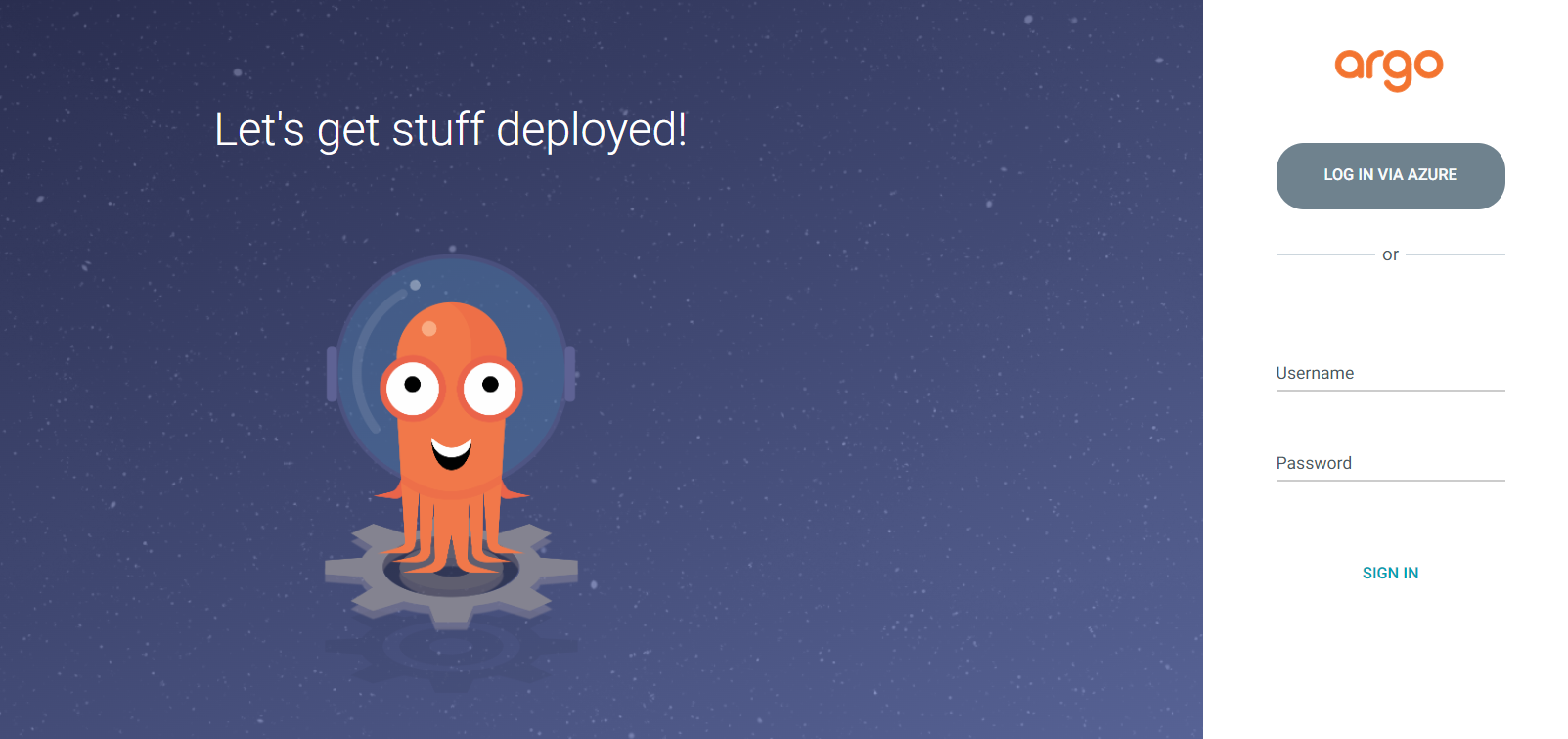
That's it check your page argocd.example.naren4biz.in
argocd #OIDC #k8s #local #rookie #learning #weekend #beginners #secrets #devopsengineer #devops #sre #cicd #gitops
[1]Collect configuration from Azure App